Setup
How to Install Valorant Cheats on Windows PC
First time setting up valorant cheat software? This walkthrough covers download, license activation, overlay launch, and the three settings I always change before queuing.
Get Access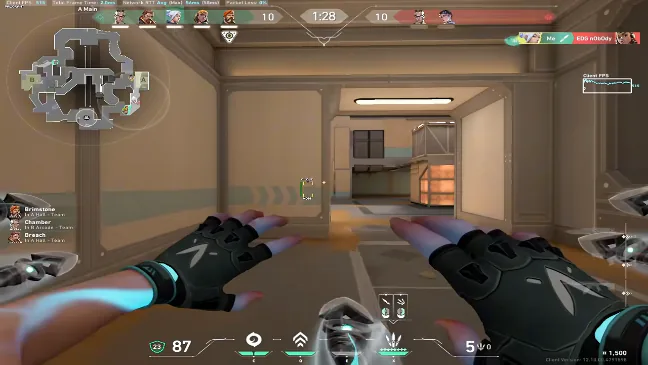
Before you download anything
Close the Riot Client completely, disable leftover overlay apps, and run the installer as admin. Windows Defender will flag most loaders — add the install folder to exclusions before you extract files.
Grab your license from the email receipt. Keys are single-seat; do not share them in Discord DMs asking for "help."
Launch order that actually works
Open the loader first, paste the key, wait for the green status light, then start Valorant. Inject after the main menu loads — not during the Riot splash.
Toggle ESP on low opacity for the first match. Cranking every slider day one is how people clip themselves on stream by accident.
Official game guides & resources
We link to trusted sources so you can verify patch notes, player stats, and map info outside our site.
- Valorant on PC Official store page, system requirements, and player reviews.
- Valorant patch notes & news Read official update posts before you change your loadout.
- Official Valorant website Game overview from Riot.
- Valorant Wiki (Fandom) Agent stats, maps, and ability guides.
- Valorant community hub Announcements and community discussions.
- Riot service status Official Valorant and Vanguard server health.
Replies (5)
yeah i did the same thing lol. loader first or you get that blank esp screen
win11 23h2 here. defender exclusion isnt optional trust me
key showed used on first paste. support reset it in like 25 min. annoying night but ok now
good writeup. would love a test inject button before i queue ranked
followed this exact order on fresh win install. worked first try